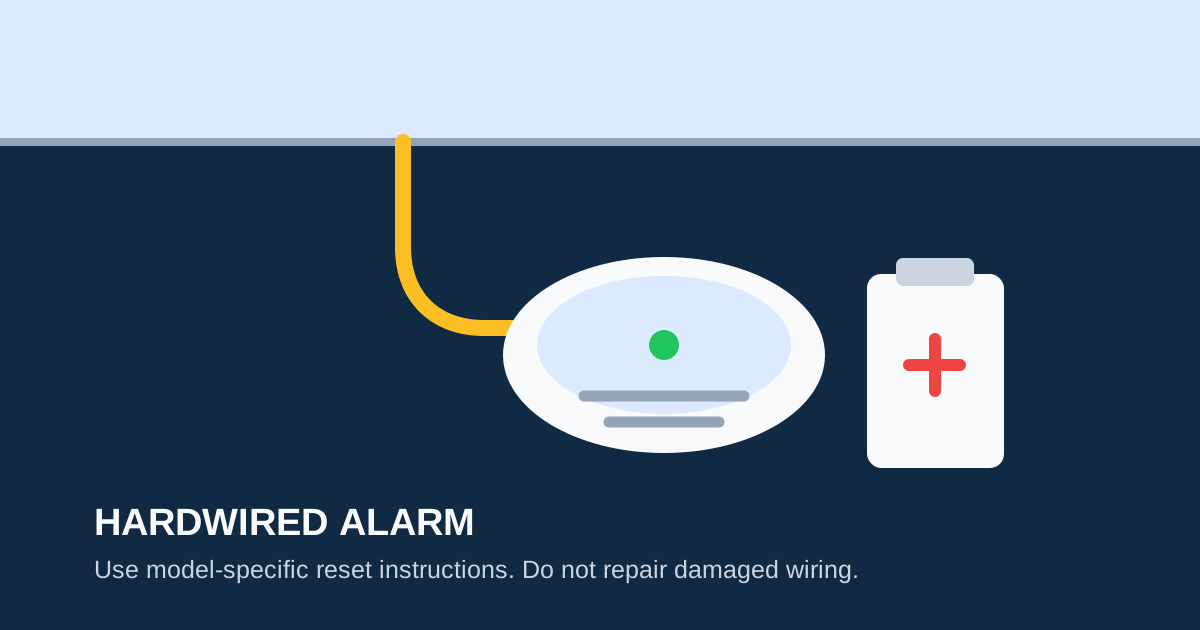
A hardwired smoke alarm usually has two power sources: household AC power and a backup battery. A short chirp can come from the battery, a battery door that is not fully closed, a retained trouble condition, the alarm’s environment, or an end-of-life warning. The exact signal and reset sequence are model-specific, so start with the label on the unit and its manufacturer manual.
First, Rule Out an Active Alarm
A periodic chirp is not the same as a loud repeating alarm. The NFPA says a continued set of three loud beeps means smoke or fire: get outside, call 911, and stay out. If the alarm is a combination smoke/CO model, an unfamiliar loud repeating signal could also be a CO event (typically four beeps). Leave first if there is doubt.
Do not disconnect an alarm, remove its battery, or work at the electrical panel to silence a possible emergency signal.
Why Hardwired Alarms Chirp
Hardwired smoke alarms chirp for several reasons that are different from battery-only units:
| Cause | Typical Signal | Fix |
|---|---|---|
| Dead backup battery | 1 chirp every 30–60 sec | Replace backup battery |
| Battery door open | 1 chirp every 30–60 sec | Close compartment fully |
| Retained fault after outage | Chirping after power restored | Perform manufacturer reset |
| End of life | Chirp pattern varies by model | Replace the entire unit |
| Loose wiring harness | Intermittent chirp | Check connector seating |
| Interconnect fault | Multiple units chirping | Check interconnect wire |
| Environmental (dust/humidity) | Intermittent chirping | Clean per manual instructions |
Safe Checks for a Short Chirp
After confirming the device is making a short maintenance chirp rather than an active alarm:
Step 1: Find the Source Unit
One alarm can be hard to locate in an interconnected home because all connected units may chirp. Listen close to each alarm, or use our guide to finding the chirping smoke alarm. The unit with a flashing LED or the one closest to the loudest chirp is typically the source.
Step 2: Check the Backup Battery
Most hardwired smoke alarms use a 9V backup battery or a sealed lithium backup. Replace the backup battery with a fresh one of the exact type specified by the manufacturer. Make sure the battery is firmly seated and the compartment is fully closed — an unlatched battery door is one of the most common causes of persistent chirping.
Step 3: Check the Date
The NFPA advises replacing smoke alarms after 10 years from the manufacture date. Look for the date printed on the back label. If the unit is 10 or more years old, the chirping is almost certainly an end-of-life signal — replace the entire unit.
Step 4: Check the Environment
Kidde lists humidity, steam, condensation, temperature shifts, and excess airflow as possible contributors to intermittent chirping. Ensure the alarm is installed according to the manufacturer’s placement guidelines:
- At least 10 feet from cooking appliances
- At least 3 feet from bathroom doors
- Not in unheated areas, garages, or attics
- Away from ceiling fans and air vents
Step 5: Use the Manual’s Reset Procedure
A reset can clear a stored error after a battery change or power interruption. The reset procedure is model-specific — do not use a procedure from a different brand.
Manufacturer-Specific Reset Procedures
Kidde Hardwired Models
Kidde’s published reset procedure for hardwired models:
- Turn off the alarm circuit at the breaker
- Disconnect the alarm from its mounting bracket
- Remove the backup battery
- Press and hold the TEST button for at least 15 seconds
- Reinstall the battery
- Reconnect the alarm to the mounting bracket
- Turn the breaker back on
This drains residual charge and clears the error memory. If the chirp resumes after this procedure, the unit is likely at end of life or has a sensor malfunction.
First Alert Hardwired Models
First Alert’s reset procedure for most hardwired models:
- Turn off the breaker powering the alarm circuit
- Remove the alarm from the mounting bracket (twist counterclockwise)
- Disconnect the wiring harness
- Remove the backup battery
- Press and hold the TEST button for 10–15 seconds
- Reinstall the battery, reconnect the wiring harness, and remount
- Restore power at the breaker
Always verify these steps against the manual for your specific model number, as procedures vary by generation and product line.
When to Call a Qualified Electrician
Stop troubleshooting and call a qualified electrician if you encounter any of these conditions:
- The circuit breaker trips repeatedly after resetting
- The wiring harness connector is loose, discolored, or heat-damaged
- Wires are exposed, frayed, or corroded
- You cannot safely identify which breaker controls the alarm circuit
- Multiple interconnected alarms chirp simultaneously and resetting does not resolve it
- The alarm was installed before current electrical codes and may not have a neutral wire
Do not attempt wiring repairs on a smoke alarm circuit. Smoke alarms are life-safety devices, and improper wiring can cause the alarm to fail during an actual fire.
When Replacement Is the Safer Answer
Replace the alarm when:
- It has reached the date on its label (typically 10 years from manufacture)
- It gives a documented end-of-life or fault signal
- It has physical damage (cracked housing, water damage, discoloration)
- It continues to chirp after the correct battery and manufacturer-approved reset
- It fails a button test
Choose compatible equipment when replacing interconnected alarms. Mixing incompatible units from different manufacturers or different model generations can cause false alarms, communication failures, or chirping. When replacing one unit in an interconnected system, check the manufacturer’s compatibility guide or replace all units simultaneously.
For replacement options, see Best Hardwired Smoke Detector Replacements. For battery-change issues, see Smoke Alarm Chirping After Battery Change. For end-of-life guidance, see Smoke Alarm End-of-Life Beeps.
FAQ
Why does a hardwired smoke alarm chirp when power is on?
Hardwired alarms have backup batteries that can fail independently of AC power. A short chirp with power on typically means the backup battery is dead, the battery door is open, or the alarm is at end of life. Read the model manual and check the label before resetting.
Can I replace just one alarm in an interconnected system?
Sometimes, but compatibility matters. All interconnected alarms should be from the same manufacturer and compatible model family. Mixing brands can cause communication failures. When in doubt, replace all units at once.
Is it safe to reset an alarm at the breaker?
A breaker reset is safe only if the manufacturer’s instructions for your exact model call for it and you can safely identify the alarm circuit. A tripping breaker, damaged connector, or uncertain wiring requires professional attention from a qualified electrician.
My hardwired alarm chirps after a power outage. Why?
Power outages can trigger a retained fault in the alarm’s memory. When power is restored, the alarm may chirp to indicate the fault. Perform the manufacturer’s documented reset procedure (see above) to clear the error. If the chirp persists after the reset, the backup battery may need replacement or the alarm may be at end of life.
How do I know which breaker controls my smoke alarms?
Smoke alarms are typically on a dedicated circuit or share a circuit with bedroom outlets or hallway lights. If your breakers are not labeled, have an electrician identify and label the circuit. Do not guess — turning off the wrong breaker while working on an alarm could leave you working on a live circuit.
Sources
- NFPA: Smoke Alarms
- Kidde: What Causes Intermittent Beeping or Chirping?
- First Alert Support: Instruction Manuals