Smoke alarms make different sounds for different reasons. One of the most confusing is the end-of-life beep. It often sounds like a normal chirp, but it does not stop after a battery change. That can leave people stuck in a loop of replacing batteries that do not fix the problem.
This guide explains what end-of-life beeps usually sound like, how they differ from low-battery chirps, and the calm next steps to take. If you want a broader replacement timeline, see How Long Do Smoke Detectors Last?.
The short answer
End-of-life beeps usually mean the alarm has reached the end of its recommended service life and needs replacement. A fresh battery will not resolve it for long. If the alarm is near or past its age limit, replacement is the correct fix.
Most end-of-life signals are a repeating pattern that is different from a standard low-battery chirp. If you are unsure, check the manufacture date on the back and compare it to the recommended lifespan.
That quick check removes a lot of uncertainty and helps you decide the next step confidently.
What end-of-life beeps usually sound like

The exact pattern depends on the manufacturer, but end-of-life sounds often share a few traits. They are usually a cluster of chirps, then a pause, then the same cluster again later. The pattern can be every minute or every few minutes.
Another clue is persistence. End-of-life chirps often continue after a new battery is installed. Some alarms allow a temporary hush, but the sound returns because the sensor itself is aging out.
In some models, the light pattern changes along with the beep. You might see a light blink differently or a steady light that was not there before. These details vary by model, so the date label is still the most reliable guide, but changes in the light pattern can be a helpful extra clue that the alarm is in a maintenance or end-of-life state.
If your alarm has a printed label, it may describe the end-of-life signal. If the label is missing, the date and the behavior are your best clues.
How to check the manufacture date quickly
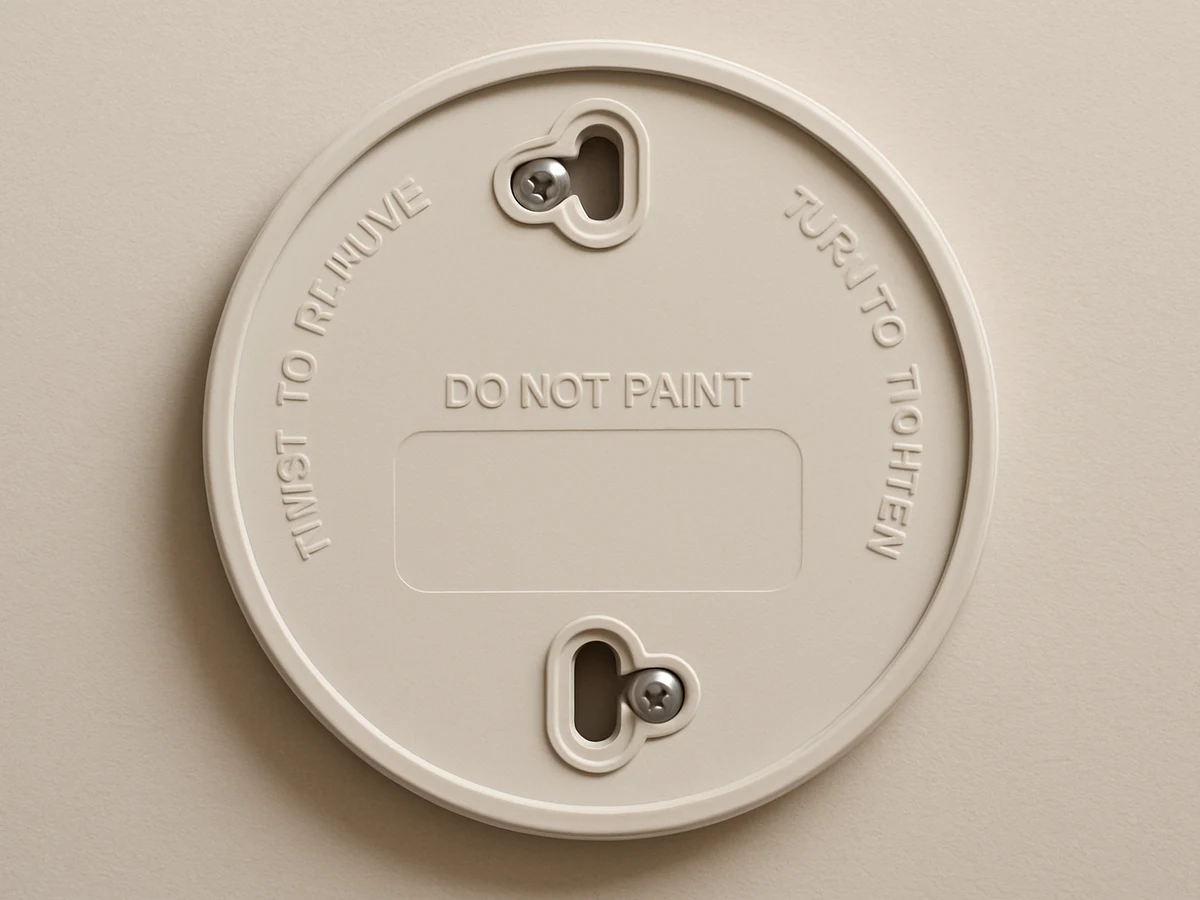
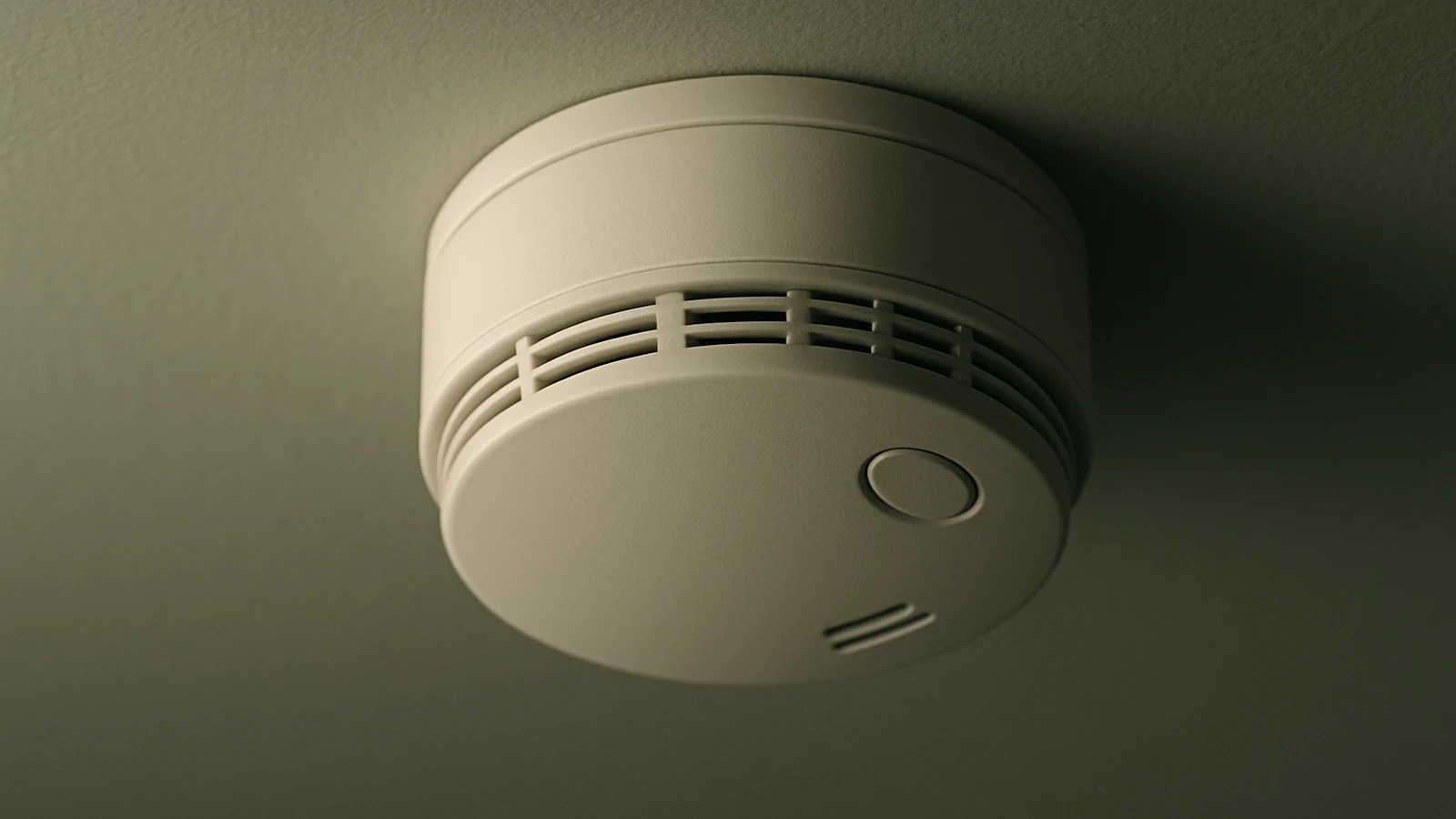
You do not need tools for this. Most alarms twist off their mounting bracket. Once you remove the unit, check the back plate or the battery compartment for a label. The manufacture date is usually printed as a month and year.
If the label says “Replace by” with a specific year, use that date instead of doing the math yourself. Some alarms only show a manufacture date, so you will need to count forward to estimate the end of the service life.
If you cannot find any date label, treat the alarm as old. A missing label is common in older units or units that have been painted over. In that case, replacement is the safest choice, especially if the alarm is already chirping.
How end-of-life beeps differ from low-battery chirps

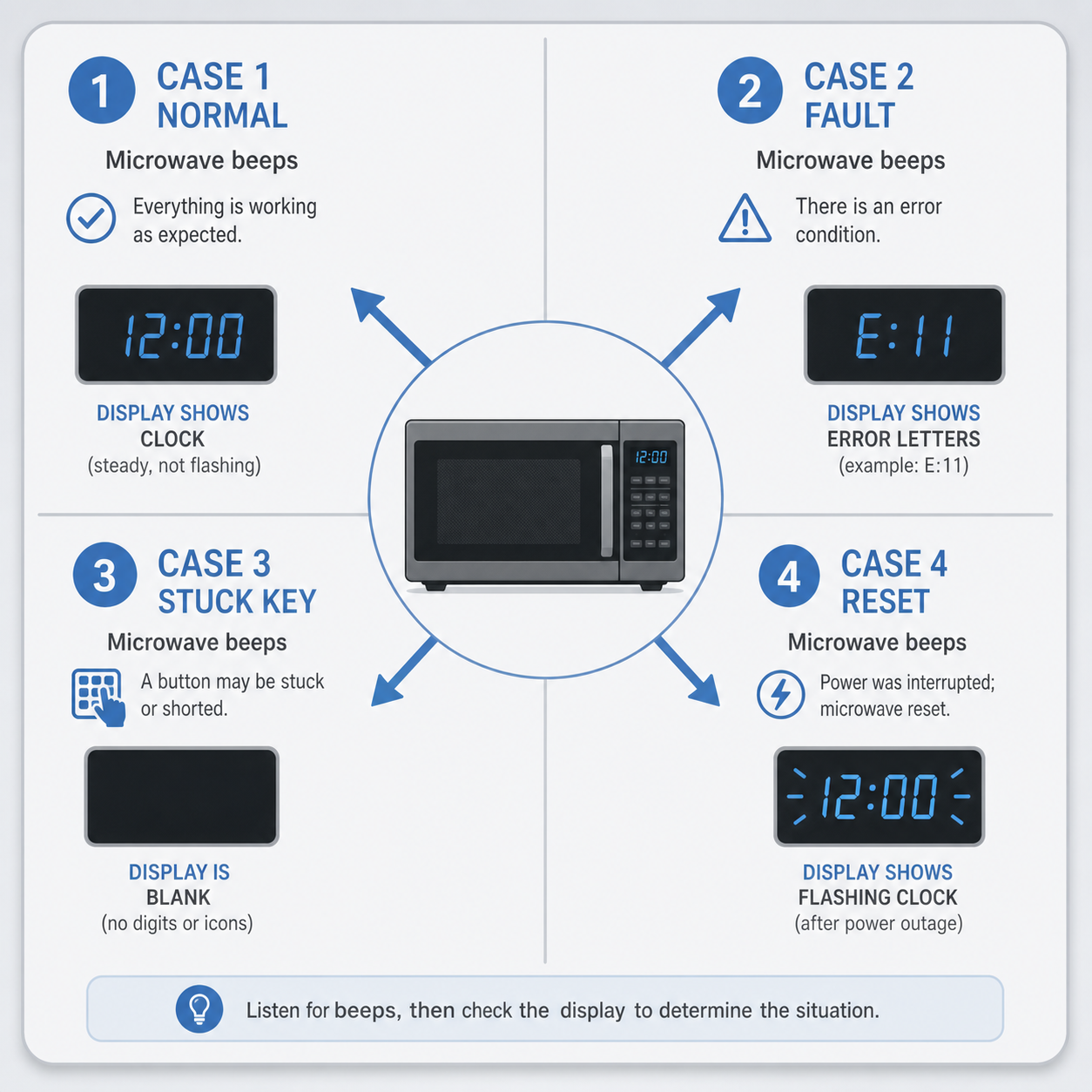
Low-battery chirps are typically a single chirp every 30 to 60 seconds. End-of-life beeps often come in a small series, then repeat later. The timing can vary by model, but the key clue is that the sound returns even after a new battery is installed.
If the chirp stops and stays quiet after a battery change, it was likely a battery issue. If it returns quickly, end of life is a stronger possibility.
For more sound decoding, see Why Is My Smoke Detector Chirping? The Low Battery Fix and Smoke Detector Chirping After Battery Change.
Why end-of-life happens even if the alarm seems fine
The test button checks sound and power, but not full sensor accuracy. Over time, the sensor can drift. It might become too sensitive, causing false alarms, or less sensitive, detecting smoke later than it should.
This is normal aging. It happens even if the alarm has never been exposed to smoke. Dust, humidity, and normal household air all contribute to gradual sensor change.
End-of-life alerts exist to make this invisible change visible. They are a reminder to replace the unit, not a sign that you did something wrong.
How to find the chirping unit in multi-alarm homes
If your home has several alarms, the chirp can be hard to locate. Sound bounces off walls and ceilings, and the most annoying alarm is not always the closest one. A simple method helps:
- Stand near each alarm for a minute and listen carefully.
- Note which alarm chirps first or loudest.
- If needed, remove one alarm from its bracket and listen for the chirp to stop.
If your alarms are interconnected, one unit can trigger sounds in other units. In that case, the unit that chirps first is usually the one that needs attention.
Once you find the unit, check the manufacture date before you do anything else. If it is old, end of life is the likely cause.
Quick verification checklist
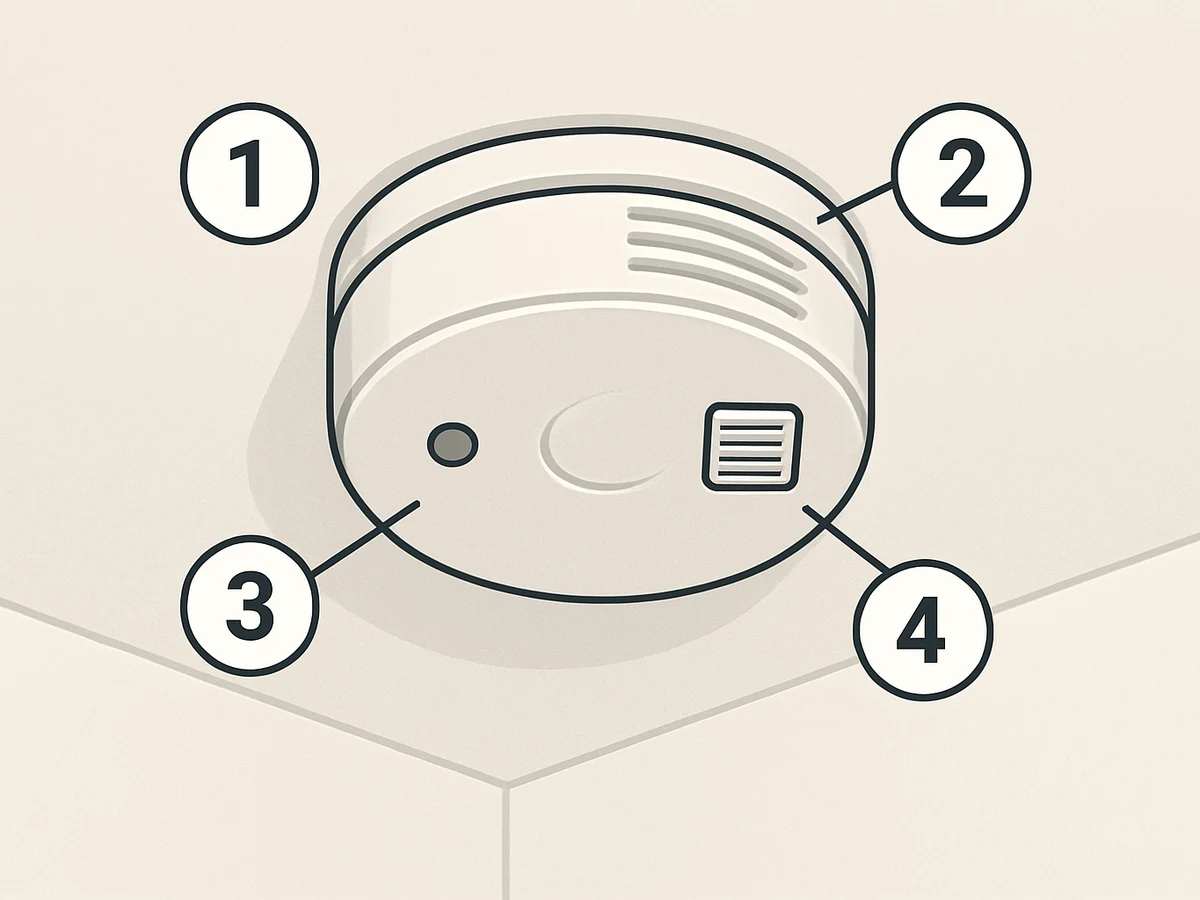
If you are not sure which alert you are hearing, this simple checklist can help:
- Check the manufacture date on the back.
- Install a fresh battery.
- Press and hold the test button for 10 to 15 seconds.
- Wait a few minutes for the unit to stabilize.
- If the chirp returns and the alarm is old, plan replacement.
If you have a sealed 10-year unit, a persistent chirp after the 10-year mark almost always means end of life. See 10-Year Sealed Battery Smoke Detector Chirping for a focused walkthrough.
What if you have a combo smoke and CO unit
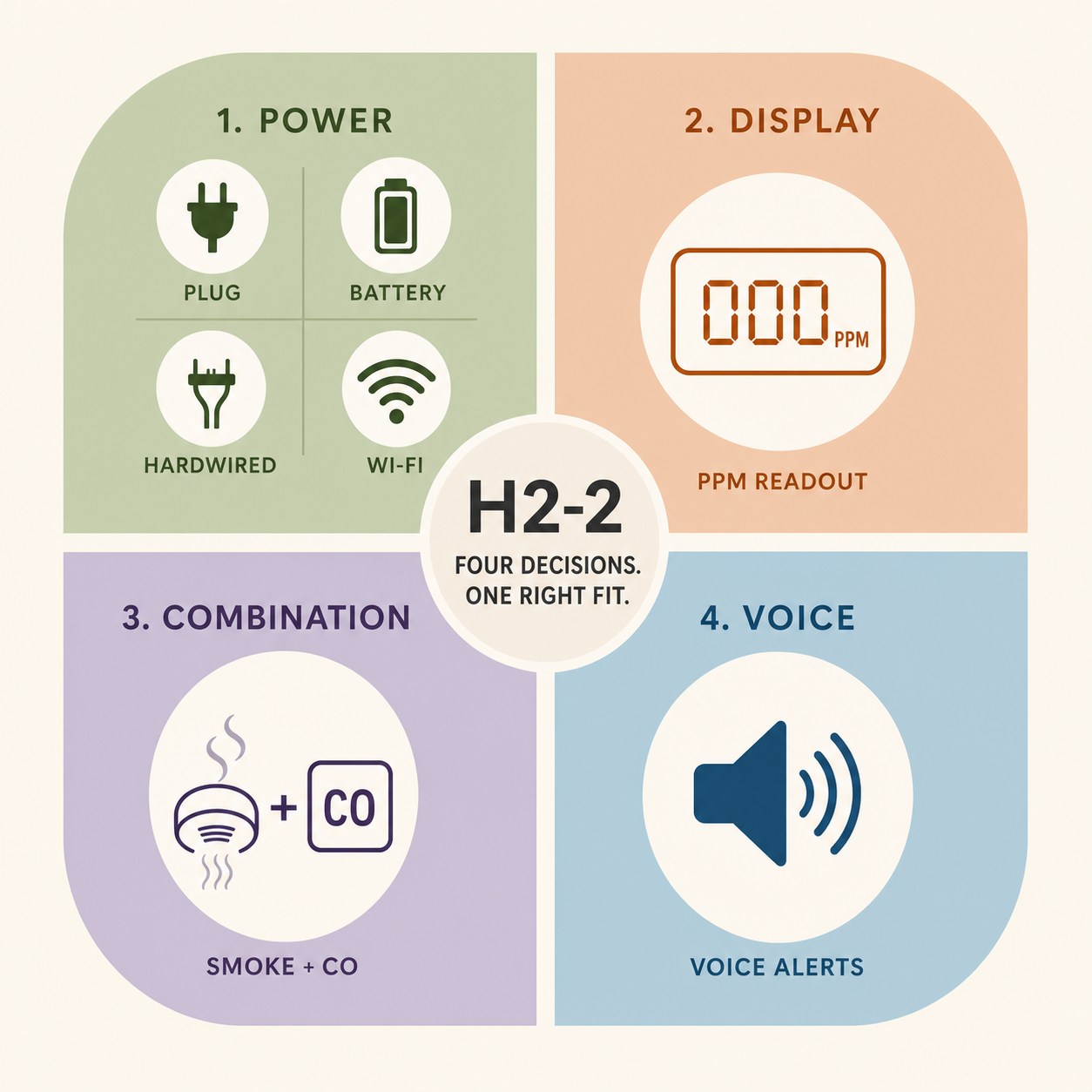
Combo smoke and CO units are common, but they can add confusion because one device can emit different patterns for different hazards. End-of-life signals can also differ between the smoke and CO functions. That means a chirp that seems like smoke alarm end of life could be a CO-side maintenance signal.
If your unit is a combo model, check the label for the alert pattern key. If the label is missing, use the manufacture date and the behavior after a battery change as your main clues. If the unit is old, replacement is still the simplest answer because both sensors age over time.
For pattern help, Combination Smoke + CO Alarm Beeping Patterns breaks down the common signals in plain language.
Other chirps that can mimic end-of-life
Not every repeating chirp is end of life. A few other issues can sound similar, especially in newer alarms:
- A loose battery connection that does not fully seat.
- Dust or insects inside the sensor chamber.
- A recent power outage that left the alarm in a temporary trouble mode.
- High humidity from bathrooms or steam from kitchens.
If the alarm is newer and the date label shows it is well within its service life, it is worth checking these basics before replacing. Remove the battery, reseat it firmly, and hold the test button for a full reset. Lightly clean vents with a soft brush or vacuum. If the chirp continues and the alarm is old, replacement is still the correct step.
For troubleshooting steps, Smoke Alarm Chirping After Battery Change offers a clear fix flow.
If the alarm is under five years old and you still hear repeated chirps, check for a loose mounting connection or a battery tab that was not fully removed. Those small issues are common and easy to miss.
What to do next: replacement-first steps
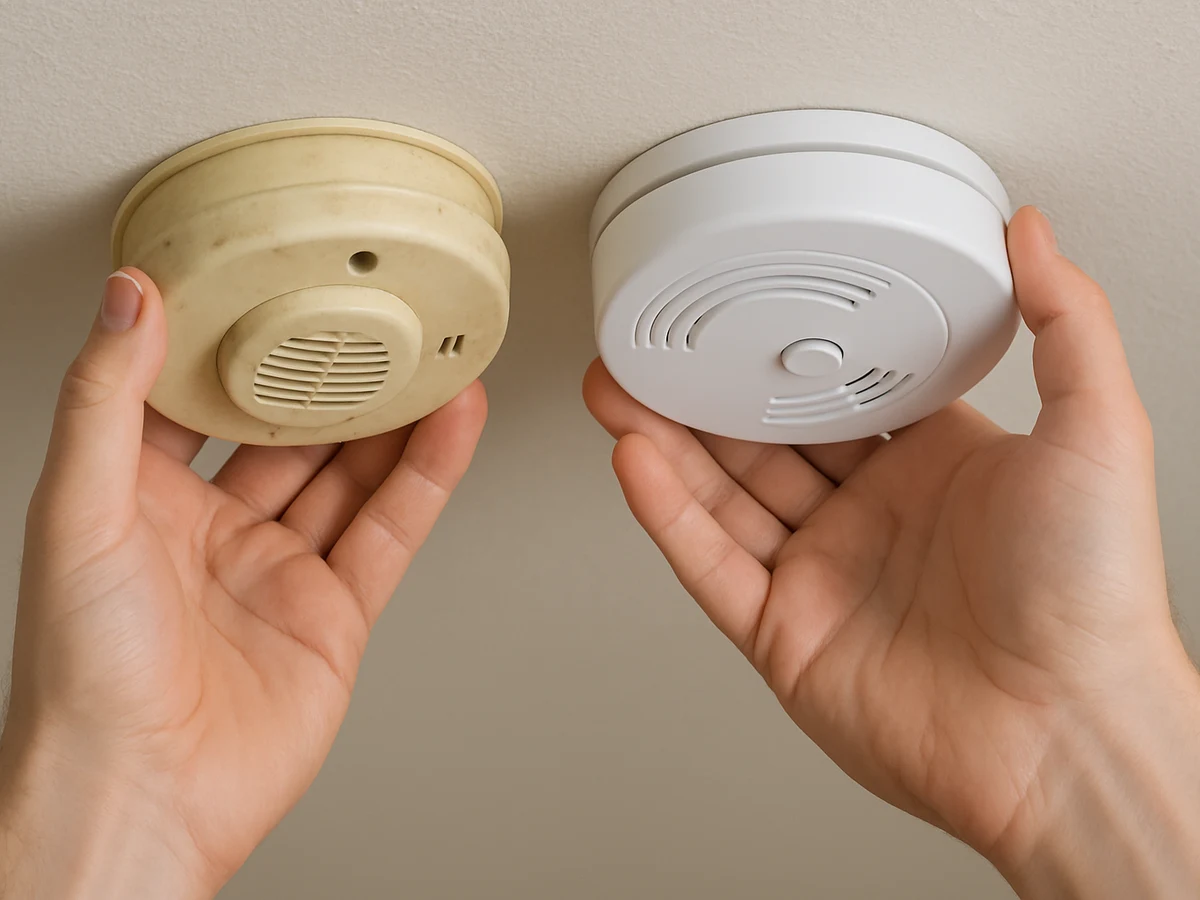
Once an alarm reaches end of life, replacement is the safest and simplest fix. Here is a calm sequence:
- Choose a new alarm that matches your power type.
- If you have a sealed model, replace the entire unit.
- Install the new alarm and test it once.
- Record the new install date in your phone or a home log.
If you are not comfortable with hardwired alarms, a licensed professional can help. If you are unsure which models to choose, Best Smoke Alarms for Home Safety covers the basics.
If your alarm is part of a larger system, consider replacing alarms in the same area at the same time. It creates one clear timeline and reduces confusion later.
Preventing confusion next time
A small habit can save time later. When you install a new alarm, write the installation month and year inside the cover or on a small label. This gives you a clear date even if the original label is hard to read.
Another easy step is to keep a simple list of alarm locations and install dates. It can be a note in your phone, a checklist on a fridge, or a line in a home maintenance app. It does not need to be fancy.
If you have a mix of models, consider standardizing over time. Using similar alarms makes it easier to recognize chirp patterns and replace batteries on the same schedule.
If you share a home, tell everyone what the end-of-life signal sounds like and where the date labels are. A short conversation now prevents a lot of late-night confusion later, especially when a chirp happens in a hallway that echoes.
When to ask for help
If your alarm is hardwired and you are not comfortable working with wiring, it is fine to ask a licensed professional for help. The replacement itself is usually quick, but safety matters more than speed.
If you rent, you should not remove alarms to silence them. Document the date label and the pattern, then contact your landlord or property manager. It keeps the process clear and makes sure the building remains compliant.
If the alarm is part of a monitored system or a building-wide setup, follow the system instructions before removing it. Some systems require a reset after replacement. A short call to the service provider can prevent extra noise and confusion later.
Common misconceptions and calm corrections
Misconception: Resetting the alarm will fix end-of-life beeps. Resetting can clear a temporary error, but it does not restore sensor life.
Misconception: End-of-life is the same as low battery. Low battery is a power issue. End of life is a sensor issue.
Misconception: Sealed alarms never need replacement. Sealed models are designed to be replaced as whole units when they expire.
Misconception: If it does not beep, it must be fine. Silence is not a guarantee of sensor health. Age still matters.
FAQ
What does an end-of-life beep sound like?
It varies by model, but it is often multiple chirps in a repeating pattern. The sound usually returns after a battery change.
Can I silence end-of-life beeps without replacing the alarm?
Some alarms have a temporary hush feature, but replacement is still needed.
How long before end-of-life beeps usually start?
Most alarms are designed for 7 to 10 years of service. Check the manufacture date to know where you are.
What if I cannot find the manufacture date?
If you cannot confirm the age, replacement is the safest choice.
Does replacing the battery ever stop end-of-life chirps?
Rarely. If the alarm is at end of life, a new battery will not fix it for long.
Calm next step
If your alarm is at end of life, replacing it now prevents repeat chirps and keeps your protection current. For a wider view of timelines, visit Alarm Lifespan, Replacement and Maintenance.