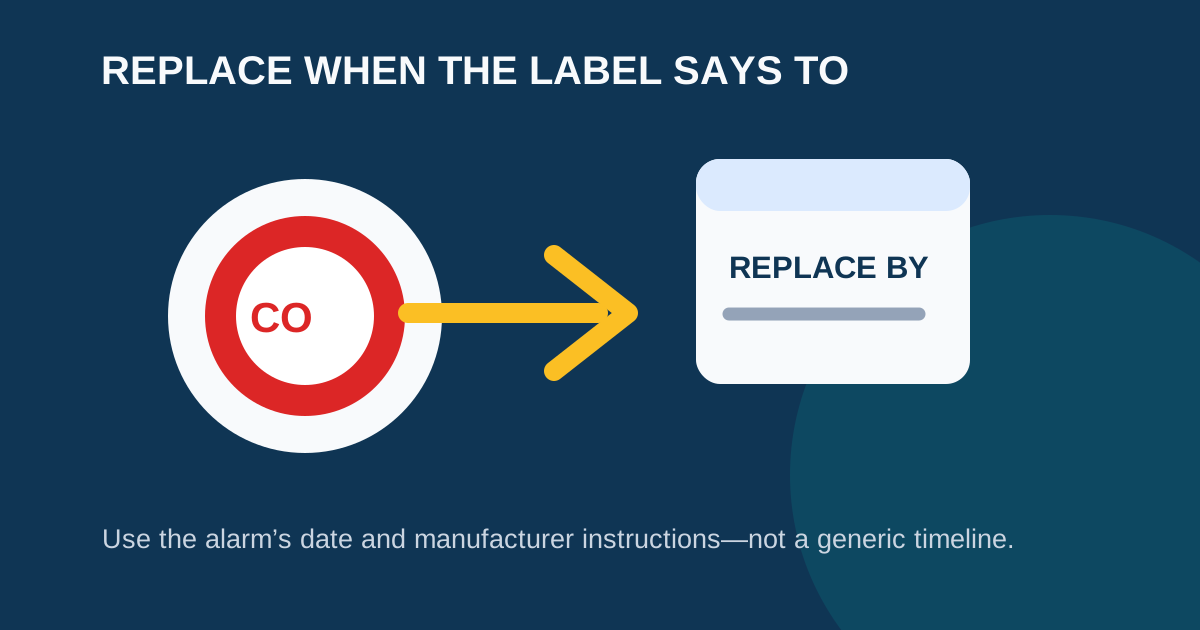
A carbon monoxide alarm does not have one universal replacement age. The correct timing is stated by the manufacturer for the specific product, often on the label, in the manual, or in the app for a connected device. Most CO detectors need replacement after 5 to 10 years from the manufacture date — not the date you installed it.
Do not troubleshoot a loud repeating CO alarm as an age question. Get everyone outside to fresh air, call emergency services from outside, and stay out until responders say it is safe. The CPSC provides this guidance for a sounding CO alarm.
Typical Replacement Timelines by Detector Type
While you should always verify against the product documentation, here are the typical certified lifespans:
| Detector Type | Typical Lifespan | Standard |
|---|---|---|
| CO-only detectors | 7–10 years from manufacture | UL 2034 |
| Combination smoke/CO | 10 years from manufacture | UL 217 + UL 2034 |
| Smart CO detectors (e.g., First Alert SC5) | 10 years from manufacture | UL listed |
| Plug-in CO detectors | 7–10 years from manufacture | UL 2034 |
Important: The replacement clock starts at the manufacture date, not when you bought or installed the unit. If a detector sat in a warehouse for two years before you installed it, you have already lost two years of certified life.
How to Find the Manufacture Date
Every CO detector has a manufacture date printed on it. Here is where to look:
- Remove the detector from its mounting bracket (twist counterclockwise for most models).
- Check the back label. The manufacture date is typically printed as “MFG,” “Manufactured,” or “Date of Manufacture” followed by a month and year (e.g., “MFG: 03/2021”).
- Check the side. Some models print the date on the side rather than the back.
- Check the battery compartment. On some older models, the date is inside the battery drawer.
If you cannot find a date and cannot determine the age of the detector, replace it. Using a CO detector past its certified life is dangerous — the electrochemical sensor degrades and may fail to detect dangerous CO levels.
Signs Your CO Detector Needs Replacement
Replace a CO alarm immediately if any of these apply:
- The manufacture date plus the stated replacement age has passed. This is the most reliable indicator.
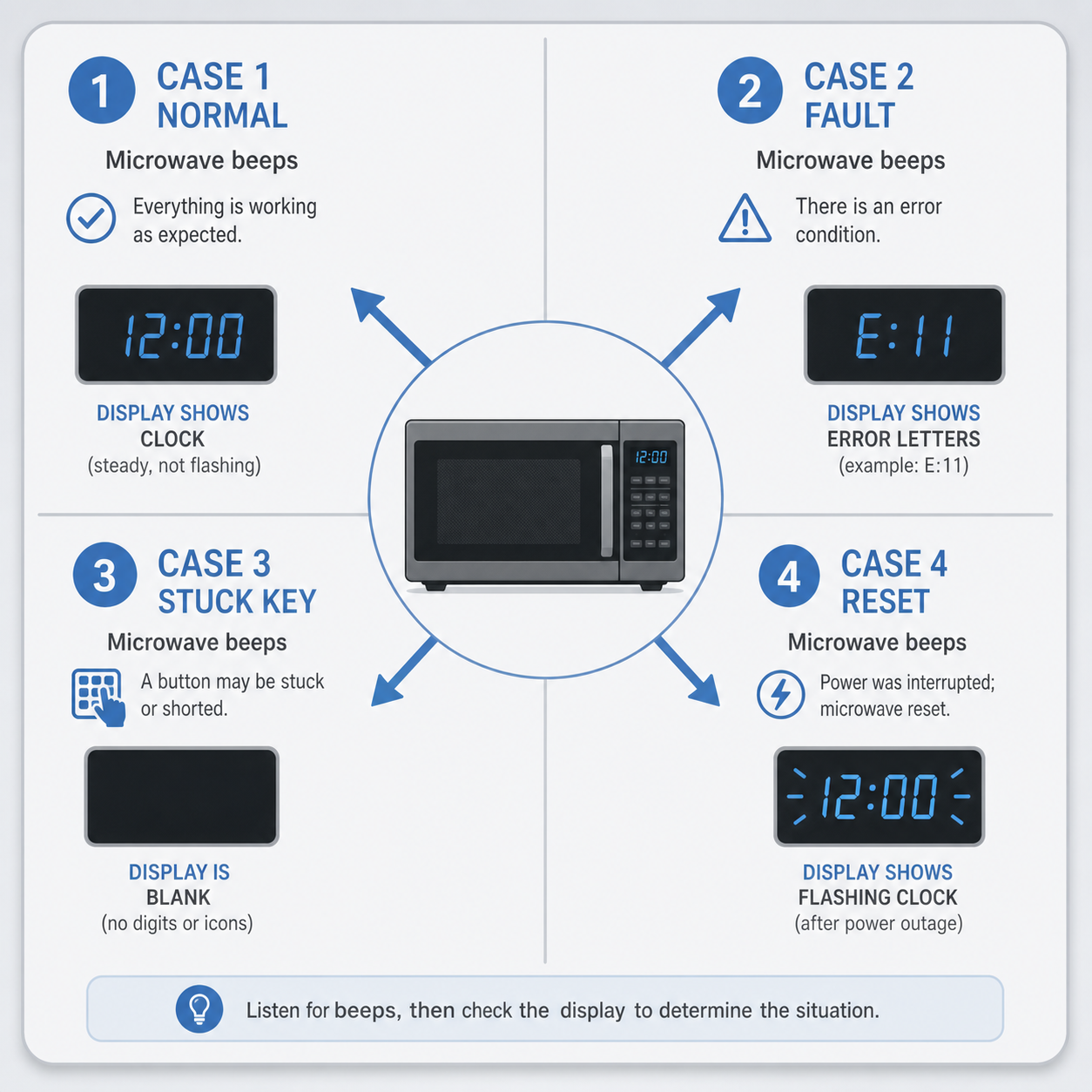
- The detector chirps continuously after a fresh battery. If a new battery doesn’t stop the chirp, the unit is likely signaling end of life or a sensor fault.
- The manual identifies the pattern as end of life. Different manufacturers use different signals — check the documentation for your model.
- The detector fails a test. Press the test button. If it does not respond, replace it.
- There is visible damage. Cracks, water damage, discoloration, or a loose battery connection indicate the unit should be replaced.
- The detector has been recalled. Check the manufacturer’s recall page. See our Kidde recall guide for Kidde-specific information.
A fresh battery cannot restore an expired CO sensor. A test button checks basic circuitry, not whether the sensor will detect CO accurately. The CPSC warns that an expired sensor may still pass a button test while failing to detect real carbon monoxide.
What Happens When a CO Sensor Expires
The electrochemical sensor inside a CO detector contains a chemical cell that reacts to carbon monoxide. Over time, this cell degrades:
- Years 1–5: The sensor operates at full sensitivity.
- Years 5–7: Sensitivity may begin to decrease, though the sensor remains within certification limits.
- Years 7–10: The sensor approaches its certified end of life. The detector may begin signaling for replacement.
- After 10 years: The sensor can no longer be certified to detect CO reliably. The detector may still beep during a test, but it cannot be trusted to detect dangerous CO levels.
This degradation is gradual and cannot be detected by the user. The only safe action is to replace the detector before its certified life expires.
Make a Simple Alarm Record
Write down the following for each CO and smoke alarm in your home:
- Room location
- Manufacturer and model number
- Manufacture date (from the back label)
- Stated replacement date (manufacture date + certified lifespan)
- Battery type and last replacement date
Keep this record on your phone or on a card near your electrical panel. That record helps you replace compatible units at the right time and gives a landlord, electrician, or manufacturer useful information.
Combination smoke/CO alarms need particular attention because the CO component may determine the replacement timing for the whole unit. Follow the product documentation rather than assuming the smoke-alarm timeline applies. See Combination Smoke + CO Alarm Beeping for model-aware signal guidance.
Choose and Install a Replacement Safely
When replacing a CO detector:
Select a UL-listed replacement. Look for the UL 2034 mark on the packaging for CO-only detectors, or UL 217 + UL 2034 for combination units.
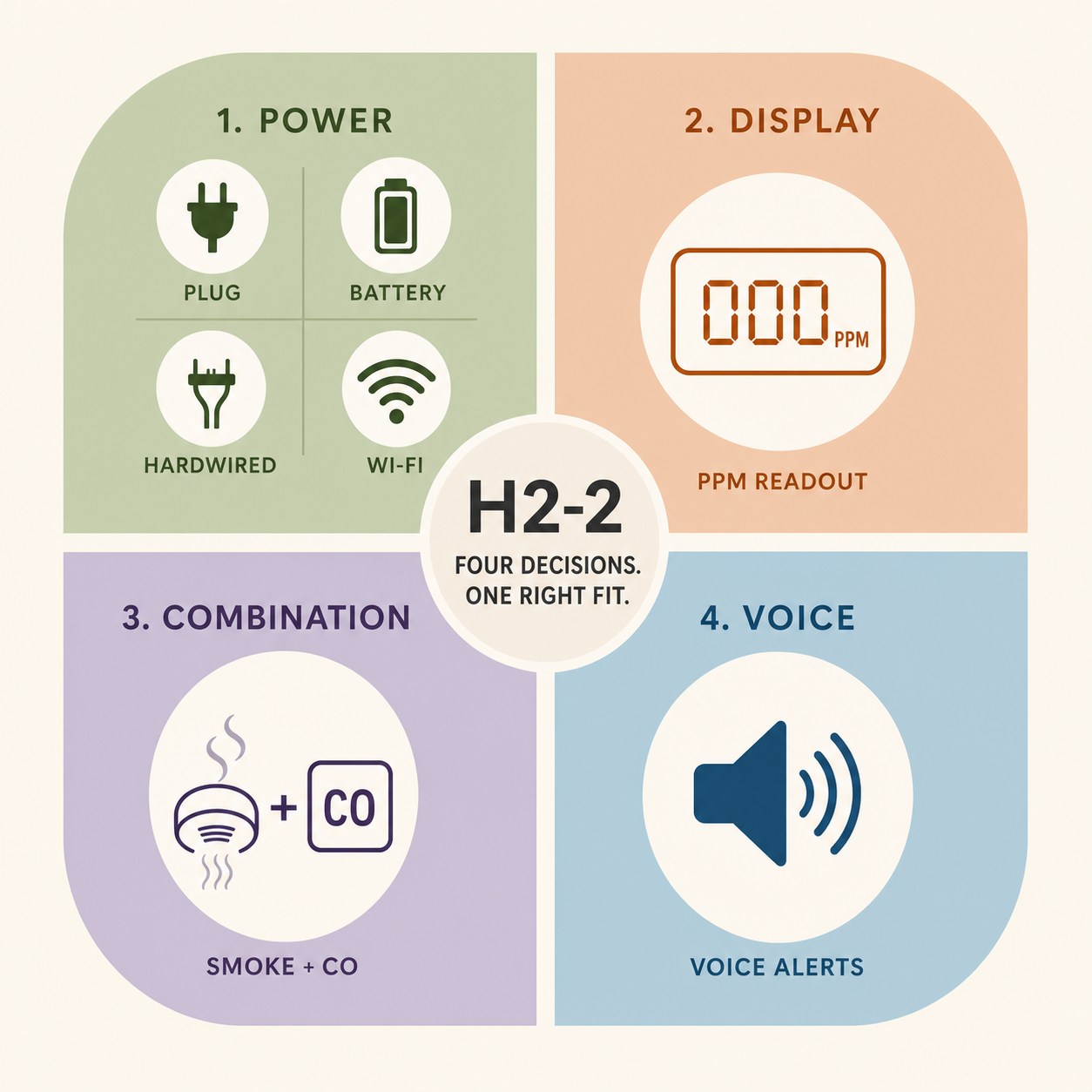
Match the power type. If your current detector is hardwired, purchase a hardwired replacement with a compatible wiring harness. If it is battery-powered, a battery replacement is fine. For hardwired replacements, consider hiring a qualified electrician.
Follow placement guidelines. The CPSC advises CO alarms on every level of the home and outside sleeping areas. See our CO detector placement guide for detailed placement instructions.
Write the install date on the new unit. Use a permanent marker to write the installation date on the back or side. This helps you track the age of the unit even if the manufacture date label fades.
Test after installation. Press the test button to confirm the new detector is functioning before leaving the area.
For an unfamiliar chirp from an aging detector, see CO Detector 5 Beeps? Check the Model Before Assuming End of Life.
FAQ
How many years does a CO detector last?
Most CO-only detectors last 7–10 years from the manufacture date. Combination smoke/CO detectors typically last 10 years. Always verify the specific replacement age for your model using the label and manual.
Should I replace a CO detector if it chirps after a new battery?
First make sure the sound is not an active CO alarm (four loud repeating beeps). Then check the model manual. A continuing documented end-of-life or fault signal means the unit should be replaced — a battery change alone cannot fix an expired sensor.
Can I replace just the battery to extend the life?
No. The battery powers the electronics, but the CO sensor itself has a certified lifespan. Replacing the battery does not extend the sensor’s ability to detect carbon monoxide. When the sensor reaches end of life, the entire detector must be replaced.
Do all CO detectors expire at the same time?
No. Each detector has its own manufacture date. If you purchased multiple detectors at different times, they will expire at different times. Check each unit individually.
Is it safe to use an expired CO detector?
No. An expired CO detector may not detect dangerous levels of carbon monoxide. The CPSC and UL standards require replacement after the certified lifespan. An expired detector gives a false sense of protection — it may still beep during a test but fail to respond to actual CO.
Can a landlord replace an older CO detector?
Requirements vary by location and lease. Report the model, date label, and signal to the property manager promptly, especially if the alarm has reached its stated replacement date. Most states require landlords to provide working CO detectors in rental properties.
Sources
- U.S. Consumer Product Safety Commission: Carbon Monoxide Questions and Answers
- Kidde: Why Is My Carbon Monoxide Alarm Beeping or Chirping?
- First Alert SC5 Specification Sheet
- Google Support: Replace Your Nest Protect After Expiration